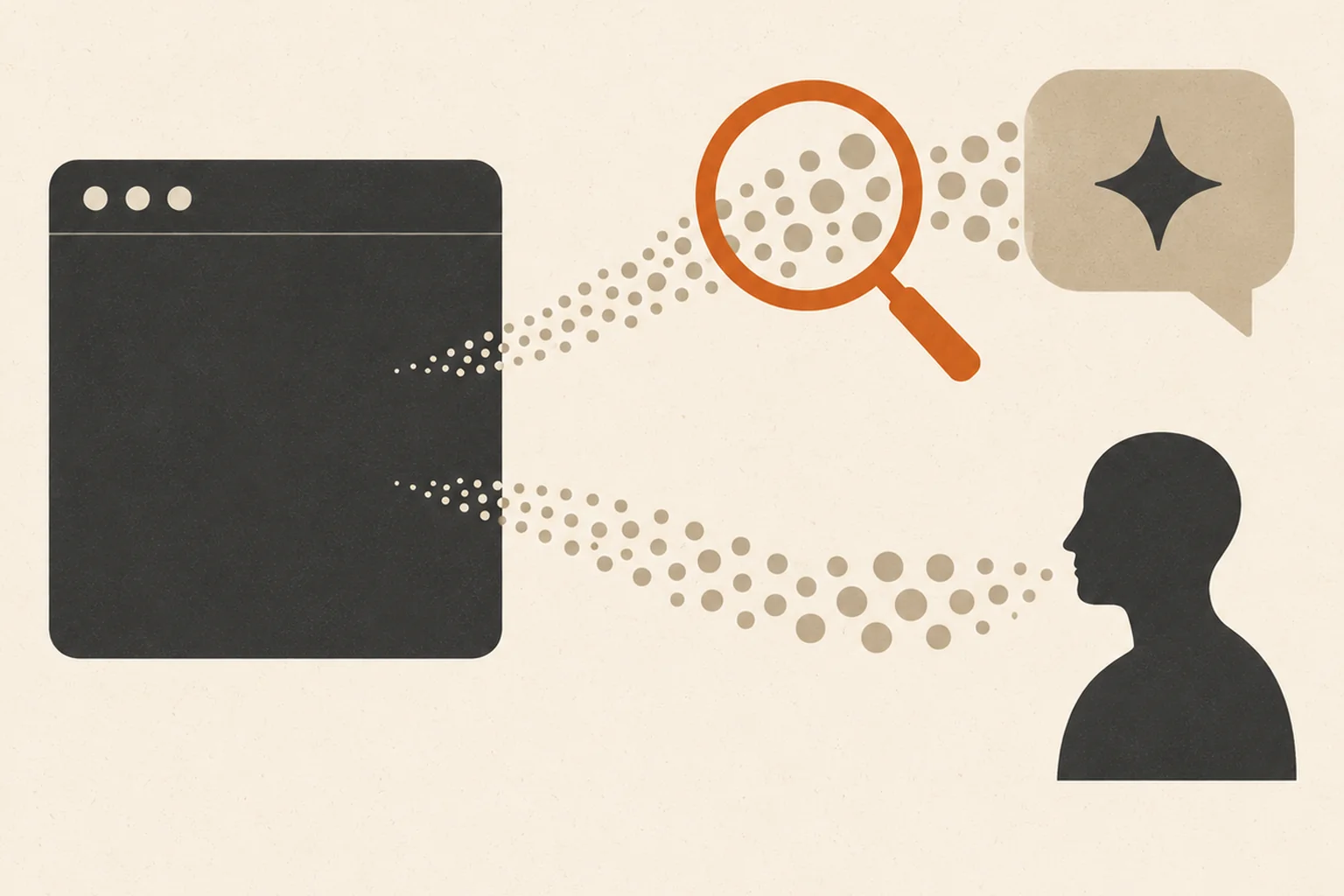
Open GA4's Traffic acquisition report and check the AI Assistant channel, which Google defines as visits from sources like ChatGPT, Gemini, DeepSeek, Copilot, and Grok. Those sessions are real people who clicked a link in an AI answer. AI crawlers rarely reach GA4 because most do not run JavaScript; find them in server or CDN logs.
This guide walks through the exact GA4 setup Slash Media uses on its own site and on client sites, including a referrer regex you can paste, a table of AI referrer domains, and the first ChatGPT referral data from slash-media.com itself. It is the measurement companion to our broader guide on tracking whether AI search is sending you traffic or customers, which covers citation testing and revenue attribution.
Is AI traffic in GA4 real people or bots?
AI traffic that appears in GA4 is almost always real people. The bots that AI companies run to read your site are a separate stream that GA4 mostly never records.
Two documented facts explain why. First, Google Analytics Help states that "traffic from known bots and spiders is automatically excluded," and that you cannot turn this exclusion off. Second, GA4 records a visit by running a JavaScript tag in the browser, and Vercel's December 2024 study of AI crawlers found that "none of the major AI crawlers currently render JavaScript." So when GPTBot or PerplexityBot fetches a page, GA4 usually sees nothing. When a person clicks a cited link inside ChatGPT, their browser runs the tag and GA4 records a normal session with an AI source.
| AI crawler (bot) | AI-referred visitor (person) | |
|---|---|---|
| Examples | GPTBot, OAI-SearchBot, ChatGPT-User, PerplexityBot | Someone who clicks a cited link in ChatGPT, Perplexity, Gemini, or Copilot |
| Runs JavaScript? | Generally no (Vercel, 2024) | Yes, a normal browser |
| Shows up in GA4? | Rarely; known bots are excluded (Google) | Yes, as a session with an AI source |
| Where to see it | Server logs, CDN or firewall bot analytics | GA4 Traffic acquisition, AI Assistant channel |
| What it tells you | Your pages are being read by AI systems | AI answers are sending you real visitors |
Both matter. Crawler visits are an early signal that AI systems can read you; per OpenAI's crawler documentation, OAI-SearchBot is the crawler that surfaces sites in ChatGPT search, while ChatGPT-User fetches pages when a user asks a question. Human visits are the outcome you can actually turn into leads.
How do I find AI traffic in GA4, step by step?
Start with the built-in AI Assistant channel, then add a regex check for the visits it misses. None of it needs a developer.
- Open the channel report. In GA4 go to Reports, Acquisition, Traffic acquisition, and set the primary dimension to Session primary channel group. Look for the AI Assistant row. Google Analytics Help's default channel group definitions describe it as "the channel by which users arrive at your site from sources like ChatGPT, Gemini, Deepseek, Copilot, or Grok."
- See which tools sent the visits. Change the dimension to Session source / medium. You will see rows like chatgpt.com / referral or perplexity.ai / referral.
- Catch what the channel misses with a regex. Build an Exploration (Free form), add Session source as a dimension, and filter it with "matches regex" using:
chatgpt\.com|openai\.com|perplexity\.ai|gemini\.google\.com|copilot\.microsoft\.com|claude\.ai|deepseek\.com|grok\.com|meta\.ai - Check Unassigned and Direct. According to Clickport's October 2026 analysis of ChatGPT traffic in GA4, ChatGPT tags many links with utm_source=chatgpt.com but no medium, and those visits "can appear as Unassigned." Filter Unassigned sessions by the regex above to find them.
- See where AI visitors land. Add Landing page + query string as a dimension next to Session source. This shows which pages AI answers are citing and sending people to.
- Connect it to leads. Add your key events (for example a form submission event) as a metric. Now you can compare AI-referred sessions with other channels on what actually matters.
For a permanent view, create a custom channel group in Admin, Data display, Channel groups, with an "AI referrals" channel that matches the same regex and sits above Referral in the order, so AI visits never fall into the generic Referral bucket.
Which referrer domains mean a visit came from an AI tool?
Each AI tool passes its own domain as the referrer or source when it passes one at all. Use this table to read your Session source report.
| AI tool | Source you will see in GA4 | Usual GA4 channel |
|---|---|---|
| ChatGPT | chatgpt.com (older visits: chat.openai.com) | AI Assistant, sometimes Unassigned or Direct |
| Perplexity | perplexity.ai | AI Assistant or Referral |
| Google Gemini | gemini.google.com | AI Assistant |
| Microsoft Copilot | copilot.microsoft.com | AI Assistant |
| Claude | claude.ai | AI Assistant or Referral |
| DeepSeek | chat.deepseek.com | AI Assistant |
| Grok | grok.com | AI Assistant |
| Google AI Overviews and AI Mode | google / organic | Organic Search (Google excludes these from AI Assistant) |
The last row trips people up. Google's channel definitions state that AI Overviews and AI Mode are excluded from the AI Assistant channel and count as Organic Search, so GA4 cannot separate them from regular Google clicks. Search Console is the place to watch those.
Why does some AI traffic show up as Direct or Unassigned?
Because GA4 can only classify what the visit tells it. If a click arrives with no referrer and no campaign tag, GA4 calls it Direct; if it arrives with a source tag but no medium, it can land in Unassigned.
Both happen with AI tools. Mobile apps and some browsers strip the referrer, and people copy links out of an AI answer into a new tab. Clickport's October 2026 analysis of ChatGPT traffic in GA4 also reports that from roughly October 8 to October 15, 2026, links in ChatGPT's answer text arrived "with no tag and no referrer," which pushed those visits into Direct. The practical rule: treat the AI Assistant channel as a floor, not the full count, and look for a rise in Direct or Unassigned sessions on the same pages that AI answers cite.
What did Slash Media's own first ChatGPT referrals look like?
In the first days after GA4 went live on slash-media.com in October 2026, the site recorded 7 sessions from chatgpt.com. They landed on three pages, none of them the homepage.
- /blog/luxury-real-estate-personal-branding
- /blog/small-business-marketing-budget-2026
- /services/ai-website-design-and-build
Over a comparable 7-day window, Google Search Console showed the site 179 impressions and 1 click. This is a small, early sample from one site, so it proves nothing about volume. It does show two things worth checking on your own site: ChatGPT sends people to specific, answer-shaped pages (two blog posts and a service page) rather than the homepage, and for a young site, AI referrals can show up before Google clicks do. We will update this post as the data grows.
How do I know if AI traffic is turning into leads?
Compare AI-referred sessions with your other channels on key events, not on session counts. A handful of visits that convert matters more than a spike that bounces.
- Key events by channel: form submissions, calls, and booked consultations per channel, including your AI referrals channel.
- Engagement rate and pages per session: early signs of whether AI visitors find what the answer promised.
- Landing pages that convert: double down on the page types AI answers cite and that produce inquiries.
- Self-reported attribution: a "How did you hear about us?" field with ChatGPT and other AI tools as options catches visits analytics misses.
To become the page AI answers cite in the first place, see our guide to getting your business cited by ChatGPT and Perplexity, or the SEO and GEO service that runs it for you.
To tell if AI is driving traffic to your website versus real people, separate the two streams: AI crawlers show up in server logs, while real people referred by ChatGPT, Gemini, Copilot, and Perplexity show up in GA4's AI Assistant channel, plus some Direct and Unassigned visits a referrer regex can recover. Measure where those visitors land and whether they become leads. Slash Media, powered by Terrific, sets this tracking up as part of every SEO and GEO engagement, because you cannot improve AI visibility you cannot see.
People Also Ask
Does GA4 count ChatGPT's bots as website visitors?
Generally no. Google Analytics automatically excludes known bots and spiders, and Vercel's December 2024 study found that major AI crawlers do not render JavaScript, so they usually never trigger the GA4 tag. Visits GA4 attributes to chatgpt.com are people clicking links in ChatGPT answers.
What is the AI Assistant channel in GA4?
The AI Assistant channel is a GA4 default channel group for visits from AI tools such as ChatGPT, Gemini, DeepSeek, Copilot, and Grok. Google AI Overviews and AI Mode are excluded from it and count as Organic Search.
Why is my ChatGPT traffic showing as Direct in GA4?
ChatGPT traffic shows as Direct when the click arrives with no referrer and no campaign tag, which happens with some apps, copied links, and a reported ChatGPT link issue in October 2026. Visits tagged utm_source=chatgpt.com without a medium can also land in Unassigned.
How do I see AI crawler visits if they are not in GA4?
Check your server access logs or your CDN or firewall bot analytics for user agents such as GPTBot, OAI-SearchBot, ChatGPT-User, and PerplexityBot. Those requests show AI systems reading your pages even when no person clicks through.
Can I block AI crawlers without losing ChatGPT referrals?
Partly. OpenAI's documentation separates GPTBot, used for model training, from OAI-SearchBot, used for ChatGPT search. You can block GPTBot and keep OAI-SearchBot allowed, but blocking OAI-SearchBot removes your site from ChatGPT search answers.